

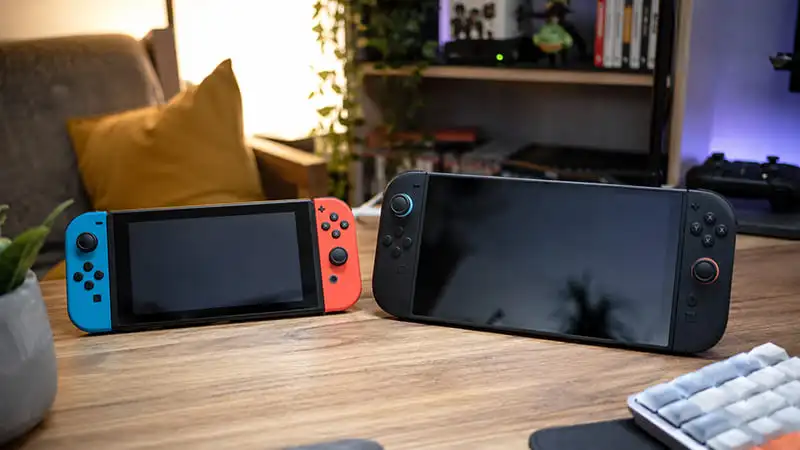
If you are moving from an original Nintendo Switch, Switch Lite, or Switch OLED to Nintendo Switch 2, there is a good chance you already have a microSD card full of downloaded games. So the obvious question is simple: can you just take that old card out, put it into Switch 2, and keep playing?
The answer is no, at least not in the way many players would hope.
Nintendo Switch 2 does not use standard microSD cards for game storage. It requires microSD Express cards. That means the normal microSD card you used with your old Switch cannot be used to store, load, or play digital games on Switch 2.
Your purchases are not gone, of course. Digital games are tied to your Nintendo Account, so you can download them again on Nintendo Switch 2. But the installed game data on your old microSD card does not simply carry over like a USB drive.
Can You Transfer Games from an Old Switch microSD Card to Switch 2?
No, you cannot directly transfer installed games from an old Switch microSD card to Nintendo Switch 2.
This is the part that catches a lot of people off guard. The card may look the same size as a microSD Express card, but it is not treated the same by the new console. Nintendo Switch 2 only supports microSD Express cards for expandable game storage.
So if your old Switch microSD card has digital games installed on it, those games will not run from that card on Switch 2. You also cannot use that card as your main storage card for the new system.
The good news is that you do not need to buy those games again. Once you sign in with the same Nintendo Account, you can redownload your digital games from the eShop. It is not as quick as simply moving the old card over, but it is the proper way to get your digital library onto the new console.
What Happens If You Put an Old microSD Card into Switch 2?
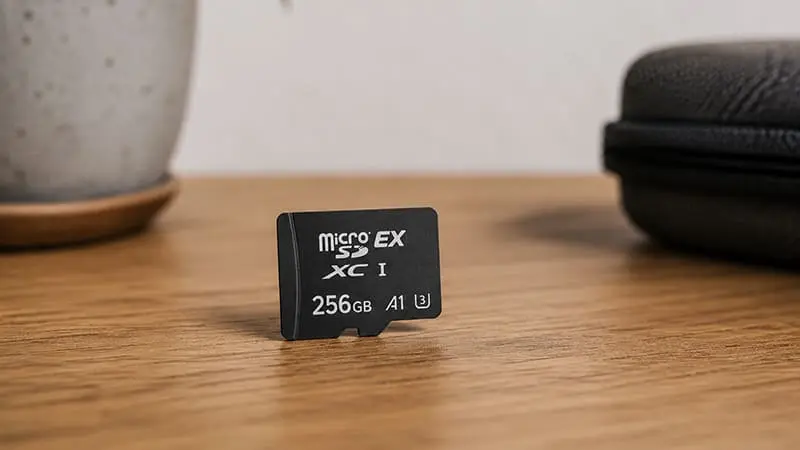
An old Switch microSD card is not completely useless on Nintendo Switch 2, but its role is very limited.
Nintendo allows you to temporarily insert a microSD card that was used with a Nintendo Switch console so you can import screenshots and videos. That is basically the main exception.
In other words, your old card can help you bring over captured media, but not your installed games. It is more of a photo and video recovery tool than a storage upgrade for Switch 2.
You can import screenshots and videos through the system settings. Nintendo lists the option under:
System Settings > Data Management > Manage Screenshots and Videos > Import from a Nintendo Switch microSD Card
That is useful if you care about your old captures. Just do not expect your downloaded games to appear and launch from the card. Sadly, the magic trick ends at screenshots.
What About Save Data?
This is another area where players can easily get confused. Save data is not stored on the microSD card in the same way downloaded game data is.
On Nintendo Switch systems, save data is stored in the system memory, not on the microSD card. So even if a game itself was installed on your old card, your progress was not sitting there as a normal file you could move across.
To bring your save data to Nintendo Switch 2, you need to use the proper transfer options. Depending on the game and your setup, that may mean a system transfer or cloud saves through Nintendo Switch Online.
This detail matters because deleting or replacing a microSD card does not automatically mean your saves are gone. At the same time, moving the old microSD card does not move your save data either.
Think of it like this:
- Your games can be downloaded again.
- Your save data needs a transfer method.
- Your screenshots and videos can be imported from the old card.
- Your old microSD card cannot become your Switch 2 game storage.
Not the most elegant setup, but at least it is clear once you separate those three things.
Why Does Nintendo Switch 2 Need microSD Express?
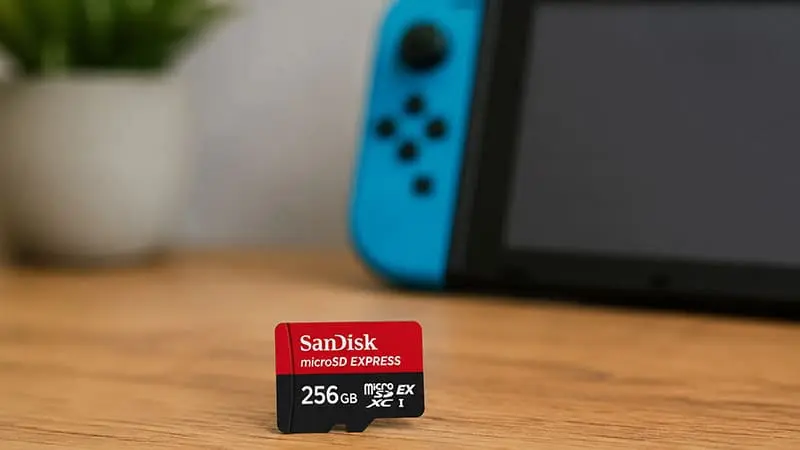
Nintendo Switch 2 uses microSD Express cards because they are much faster than regular microSD cards. Newer games can have larger file sizes, higher-resolution assets, and more demanding loading requirements. A standard microSD card from the original Switch would not be enough for what Nintendo wants from the new system.
This is why the card type matters. A regular microSD, microSDHC, or microSDXC card may fit physically, but that does not mean it works for Switch 2 game storage.
When buying a card for Nintendo Switch 2, you need to look for microSD Express branding. If the card does not clearly say microSD Express, it is probably the wrong one for Switch 2 games.
Also, Nintendo notes that a system update via the internet is required the first time you use a microSD Express card on Nintendo Switch 2. So if you are setting up the console for the first time, make sure you have an internet connection ready.
Do You Need a microSD Express Card Right Away?
Not everyone needs to buy one on day one.
Nintendo Switch 2 includes internal storage, so you can start playing without a microSD Express card if you only plan to install a few games. If you mostly buy physical games and do not keep a huge digital library installed, the built-in storage may be enough for a while.
But if you buy digital games often, download large third-party titles, or plan to use Game-Key Cards, storage will become a bigger issue. Game-Key Cards are especially important here because the card itself does not contain the full game data. The game still needs to be downloaded to the console or a microSD Express card.
So the simple answer is this: casual players can probably wait, but digital-first players should plan on getting a microSD Express card sooner rather than later.
Can You Copy Old Switch microSD Files to a microSD Express Card?
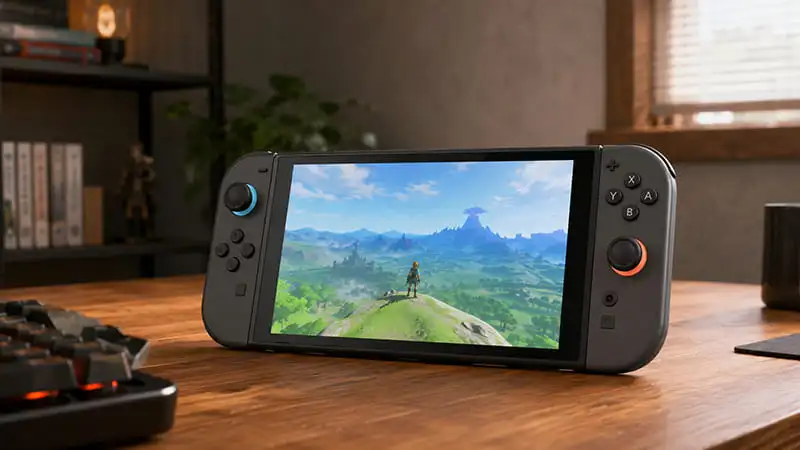
For Nintendo Switch 2 game storage, you should not treat this like a normal file copy job.
On the original Switch, Nintendo has support steps for moving data between microSD cards for use on the same Switch family of systems. But Switch 2 is different because it uses microSD Express for game storage and does not load your old Switch game installs from a standard microSD card.
The safer route is to sign in with your Nintendo Account and redownload your games on Switch 2. It may take longer, especially if your library is large, but it avoids confusion and makes sure the games are installed properly for the new system.
Screenshots and videos are the exception. Those can be imported from the old Switch microSD card using Nintendo Switch 2’s built-in option.
Bottom Line
You cannot use your old Nintendo Switch microSD card as game storage on Nintendo Switch 2. You also cannot directly play or transfer installed games from that card.
What you can do is much more specific: you can temporarily insert the old card to import screenshots and videos. For digital games, you will need to redownload them through your Nintendo Account. For save data, use system transfer or cloud saves where available.
So before you buy storage for Nintendo Switch 2, check the label carefully. If it is not microSD Express, it is not the card you want for Switch 2 games.
Your old Switch microSD card still has a small job to do. It just retired from carrying games.

