

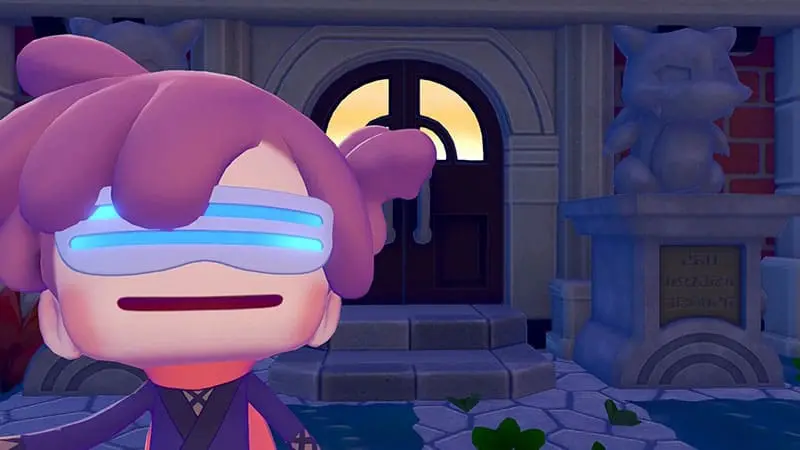
Lost Mysterious Goggles in Pokémon Pokopia can prevent you from entering Virtual Mode and visiting saved Cloud Islands. The game does not include a direct item tracker, and the PC Shop may not sell another pair after the original purchase.
Before assuming that the goggles have disappeared permanently, check every location where important items can be stored or returned. Most players eventually find them inside a forgotten container, with Gulpin or Swalot, or near a Pokémon Center.
Make Sure You Already Unlocked the Mysterious Goggles
The Mysterious Goggles become available after you raise the Withered Wasteland Environment Level to 3. You can then purchase them from the PC Shop at the Pokémon Center.
Nintendo describes the goggles as the item used to enter Virtual Mode and visit saved versions of Cloud Islands. Open your bag with the X Button and select the goggles to use them.
If the Mysterious Goggles have never appeared in the shop, check your Withered Wasteland progress first. They may not be lost at all; you may simply not have unlocked them yet.
Once purchased, however, the shop may not sell a second pair. Community reports repeatedly mention players being unable to buy the item again after misplacing it.
Check Your Bag and Every Storage Container
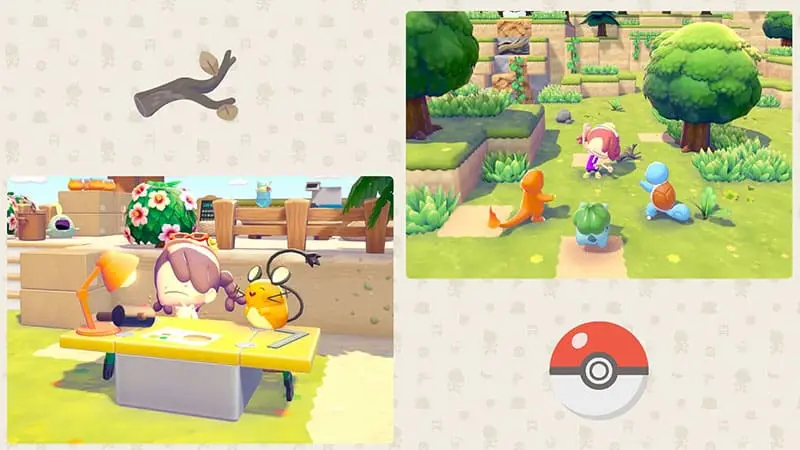
Start with your character’s bag and review every inventory section carefully. The Mysterious Goggles can be easy to overlook because they are not an item most players use during regular building or farming.
Next, check every storage object you have placed across all towns and regions. Do not limit the search to obvious chests. Antique dressers, lockers and other furniture may also hold items.
Players searching for lost Mysterious Goggles often discover them in a forgotten container after checking several maps. If you have created separate storage areas for materials, furniture or rare objects, open each one rather than relying on memory.
Also check Gulpin and Swalot. These Pokémon can store items, making them easy to forget when searching through normal furniture. Community discussions regularly point to their storage as one of the first places players should inspect.
Look Around Every Pokémon Center
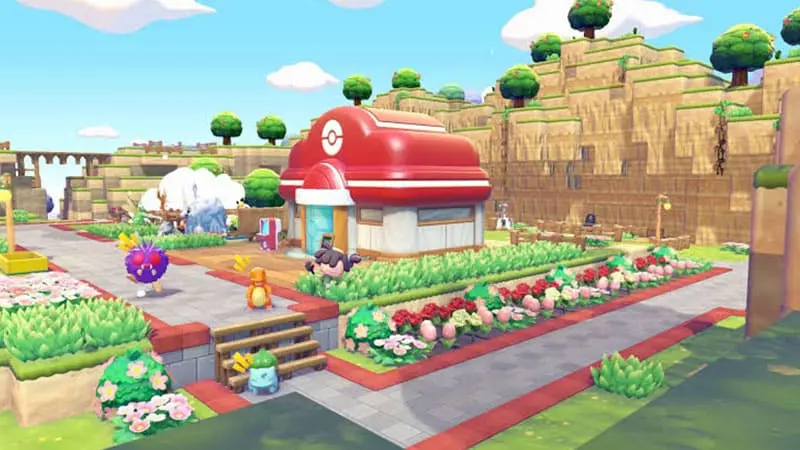
If you dropped the goggles or left them somewhere unusual, inspect the ground around the Pokémon Center in each biome.
One player reported finding their missing pair directly outside the Bleak Beach Pokémon Center after previously searching the same area several times. Other players say important dropped items may be returned near the Pokémon Center or placed in a Lost and Found box.
Check the Pokémon Center in every region you visited while carrying the goggles. Pay particular attention to the biome where you last used them or reorganised your inventory.
Walk slowly around the entrance and nearby objects. Small items can blend into decorations, paths and other dropped materials, especially in a busy town.
Check Shared and Multiplayer Storage
Think about the last time you used Link Play or visited a Cloud Island.
Nintendo separates normal multiplayer through Link Play from Virtual Mode, which uses the Mysterious Goggles. Link Play is accessed from the Pokémon Center PC and allows players to visit or host Cloud Islands.
If you moved items during a multiplayer session, check any shared boxes, Community Boxes or storage furniture used by the group. Also ask the host to inspect their island if you remember placing items there.
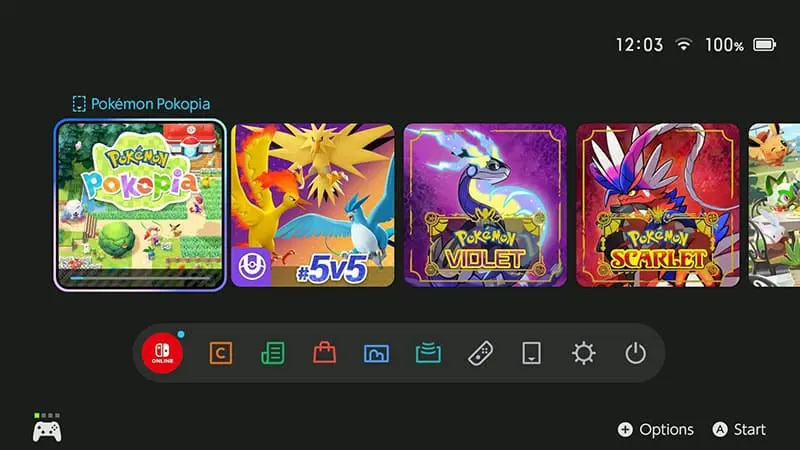
Nintendo has fixed several Cloud Island and multiplayer-related problems through software updates, including issues involving objects and Pokémon disappearing under certain conditions. Updating the game may not immediately restore an already missing item, but it ensures you are not troubleshooting an older known problem.
From the Switch 2 HOME Menu, highlight Pokémon Pokopia, press the + or – Button, select Software Update, and choose Via the Internet.

YOU MAY ALSO LIKE
How to Get Pumpkaboo and Gourgeist in Pokémon Pokopia
Can You Buy Another Pair?
The PC Shop does not appear to provide a reliable replacement option after the original Mysterious Goggles have been purchased.
Players have reported losing the item and finding no way to purchase it again. The issue also appears in a community bug-reporting thread, although this is not an official confirmation from Nintendo or The Pokémon Company.
Some players suggest photographing another pair during multiplayer and attempting to reproduce it through the Pokémon Center’s object system. This method is not documented by Nintendo, and community reports do not consistently confirm that the goggles can be copied. It should therefore be treated as an experiment rather than a guaranteed fix.
What to Do If You Still Cannot Find Them
Save the game, close Pokémon Pokopia completely and restart it. Then search the Pokémon Center entrances, Lost and Found boxes and storage containers again.
A restart may refresh objects that were not appearing correctly. It can also make a returned item easier to notice if it was moved after being dropped.
The best order is:
Check your bag, every storage container, Gulpin and Swalot storage, shared boxes and all Pokémon Center entrances. Update and restart the game before repeating the search.
There is currently no officially documented button or menu that restores lost Mysterious Goggles in Pokémon Pokopia. If the item remains missing after every step, contacting Nintendo Support is safer than deleting your save or restarting the entire game.

