
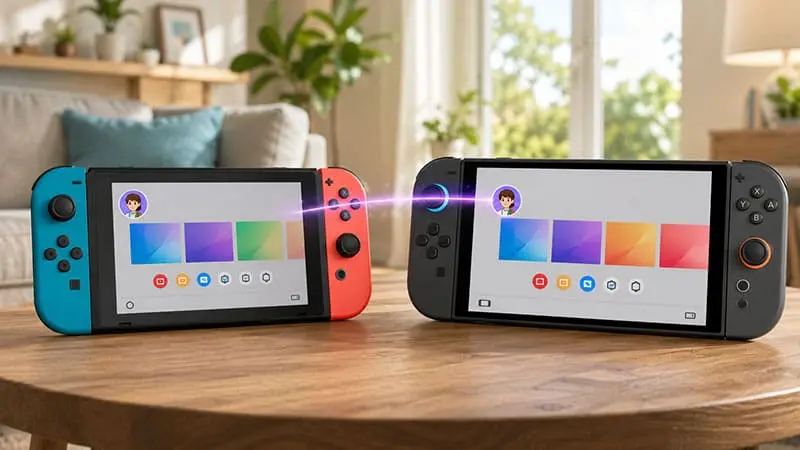
If you have upgraded to a Nintendo Switch 2 but still plan to use your original Switch, you do not need to create a second Nintendo Account.
The same Nintendo Account can be linked to both systems. That means your account, purchase history and access to eligible digital software can remain connected across your Switch and Switch 2. Nintendo allows the same account to be associated with multiple compatible consoles.
The part that causes confusion is what “using the same account” actually allows. Having the account on both systems does not mean every digital game can be played on both consoles at the same time.
Can You Use the Same Nintendo Account on Switch and Switch 2 at the Same Time?
Yes. You can keep the same Nintendo Account on your original Switch while also signing into it on Switch 2.
There is no requirement to remove your account from the older console just because you have upgraded.
This is useful if you plan to keep both systems around. For example, you might leave the original Switch connected to a TV while using Switch 2 elsewhere, or keep the older console for another member of the household.
However, Nintendo’s digital game licensing rules still apply.
Can You Play the Same Digital Game on Both Consoles at Once?
This is where the answer changes.
Nintendo states that the same digital software cannot be played simultaneously on multiple systems using the same license. The restriction applies whether you are using Virtual Game Cards or Nintendo’s online license option.
So while your Nintendo Account can exist on both systems at the same time, you cannot simply open the same purchased digital game on both consoles and expect both sessions to continue normally.
If the system detects that the same software license is already being used elsewhere, the second session may be suspended.
Nintendo even has a dedicated support page for error code 2819-0042, which can appear when software tied to the same Nintendo Account is already being used on another system.
Different games are less of a problem. You could, for example, use one purchased game on Switch and another from the same account’s library on Switch 2.
How Do Virtual Game Cards Work Between Switch and Switch 2?
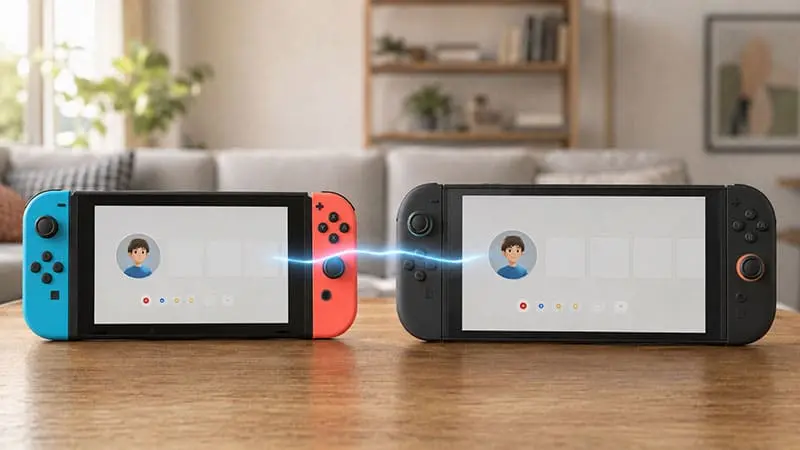
Virtual Game Cards make Nintendo’s digital library behave more like physical cartridges.
A digital game can be loaded onto one compatible console, removed from it, and then loaded onto another paired console. Nintendo allows two consoles to be paired for Virtual Game Card use.
There is one important limitation: the same Virtual Game Card cannot be loaded onto both systems simultaneously.
Think of it like owning one physical copy of a game. You can move it between consoles, but you cannot put the same cartridge into two systems at once.
That makes Virtual Game Cards convenient if you regularly switch between Switch and Switch 2, but they do not create a second copy of your purchase.
Can You Keep Using Your Old Switch After Moving to Switch 2?
Yes, although the type of system transfer you choose matters.
Nintendo specifically supports users who want to continue using their original Switch after moving data to Switch 2.
With a local system transfer, much of the information on the original Switch can remain there after the process. Nintendo recommends paying attention to the transfer method because server-based transfer options can behave differently and may initialize the old console.
If you want both systems active afterwards, it is worth checking the transfer options before starting instead of automatically choosing the first one offered during setup.
Do Save Files Automatically Sync Between Switch and Switch 2?
Not always.
Simply signing into the same Nintendo Account does not guarantee that every save file will instantly appear on both consoles.
Games that support Save Data Cloud can upload and download compatible saves through Nintendo Switch Online. Other games may require a manual save-data transfer instead.
Manual transfers also work differently from cloud syncing. Nintendo notes that when save data is transferred directly between consoles, the save is moved rather than copied. The original save is removed from the source system once the transfer completes.
Some games also have their own save restrictions, so it is worth checking before moving anything important.
Should You Keep the Same Nintendo Account on Both Consoles?
For most people who still plan to use their original Switch, yes.
Keeping one Nintendo Account across both systems means you retain access to your existing purchases and do not need to rebuild your digital library under another account.
The main thing to remember is that account access and game licensing are separate issues. Your account can stay on both Switch and Switch 2, but Nintendo still controls where a particular digital game license is active.
If you regularly use both consoles, understanding Virtual Game Cards and save-data syncing will make switching between them much less frustrating.

