
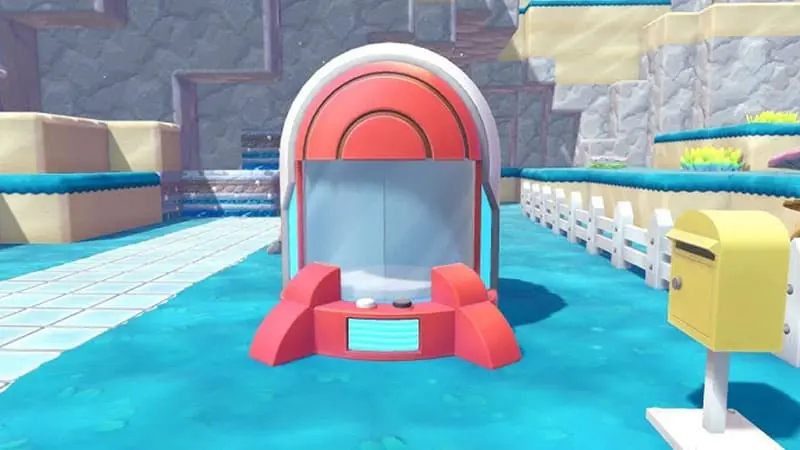
The Portal Pod solves one of Pokémon Pokopia’s biggest storage problems by letting you access the same items from different towns. Instead of remembering which storage box contains your Pokémetal, paint or building materials, you can place multiple Portal Pods around the world and use them as one shared inventory.
This guide explains how to get and use the Portal Pod in Pokémon Pokopia, what materials you need to craft it and how to turn it into portable storage.
How to Unlock the Portal Pod in Pokémon Pokopia
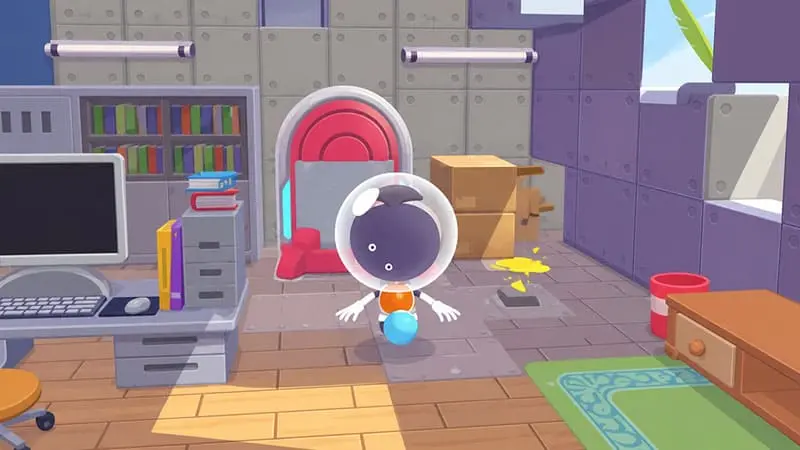
The Portal Pod was added as part of Pokémon Pokopia’s free Ver. 2.0.0 update, released on August 4, 2026. You do not need to purchase the Bubbly Basin Expansion Pass to unlock or craft it.
Before looking for the recipe, make sure your game is updated:
- Highlight Pokémon Pokopia on the Nintendo Switch 2 HOME Menu.
- Press the + or – Button.
- Select Software Update.
- Choose Via the Internet.
Once the update is installed, continue improving Palette Town until its Environment Level is high enough. The Portal Pod recipe will eventually appear for purchase at the Pokémon Center PC shop.
The game does not clearly state the exact Environment Level required. If the recipe is missing, complete more requests, improve Pokémon habitats and continue developing Palette Town before checking the shop again.
Portal Pod Recipe and Crafting Materials
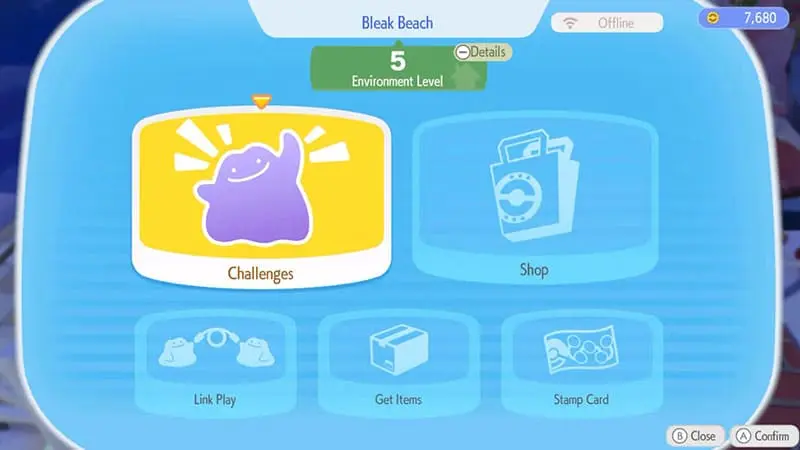
The Portal Pod recipe costs 3,000 Life Coins at the Pokémon Center PC.
After buying the recipe, use a workbench and collect the following materials:
- 10 Pokémetal
- 1 Rare Pokémetal
Pokémetal can be found while exploring Dream Islands, created from Pokémetal Fragments or occasionally purchased from Pokémon Center shops. Rare Pokémetal is much less common, so check shop inventories regularly and avoid spending it on unnecessary decorations if you plan to build several Portal Pods.
There does not appear to be a strict limit on how many Portal Pods you can craft. However, the Rare Pokémetal requirement naturally makes building a large collection more difficult.
How to Use the Portal Pod
Place a Portal Pod in a town and interact with it like a regular storage box. Any item deposited inside becomes available through every other Portal Pod you have placed.
For example, you can store stone, ore and Pokémetal in a Portal Pod near Rocky Ridges, then retrieve those materials from another one in Palette Town. The actual machines do not need to be physically connected.
The Portal Pod does not teleport Ditto or replace the Return Home function. It only shares its stored items between locations.
Each Portal Pod currently provides 80 storage slots, divided across four pages. Some information published before the update claimed it would contain 140 slots, but the released version appears to use the smaller 80-slot capacity.
The Best Places to Put Portal Pods
A simple setup is to place one Portal Pod beside the workbench in every major town. This gives you quick access to commonly used resources while building, crafting or completing Pokémon requests.
Useful items to keep inside include:
- Pokémetal and other rare materials
- Wood, stone and commonly used building blocks
- Paint and dyes
- Seeds, flowers and plants
- Materials needed for current building projects
Placing the Portal Pod beside a workbench is especially useful. Materials stored inside can be used for crafting in the same way as materials kept in a nearby standard storage box.
You can also keep one Portal Pod in your bag. When you need extra materials, place it on the ground, open the shared inventory and pick it back up afterward. Its contents remain stored in the shared Portal Pod inventory, effectively giving you access to your resources while travelling.
Can You Copy the Portal Pod With the 3D Printer?
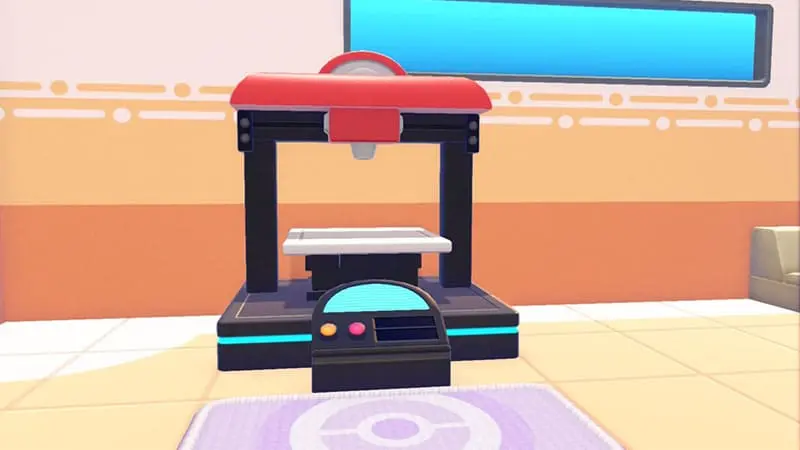
The Portal Pod cannot be copied with the 3D Printer. Taking a photo of it or adding it to your references will not provide a shortcut for producing additional units.
Every extra Portal Pod must be crafted normally with 10 Pokémetal and one Rare Pokémetal. Because Rare Pokémetal can take time to collect, it is better to place your first few Portal Pods in the towns where you build most frequently.
Is the Portal Pod Part of the Bubbly Basin DLC?
The Portal Pod launched alongside the Bubbly Basin Expansion Pass, but it is part of the free Ver. 2.0.0 update. Players without the paid expansion can still purchase its recipe from Palette Town and craft it.
Bubbly Basin owners can also find Portal Pods while exploring the expansion area, including ones located inside a house in the northeastern part of the basin. These can be collected and moved to other locations, although finding them does not remove the Environment Level requirement for purchasing the crafting recipe.
Why the Portal Pod Is Worth Using
Pokémon Pokopia contains several towns, each with its own building materials, storage boxes and ongoing projects. The Portal Pod removes much of the unnecessary travelling between them.
Keeping one beside each important workbench means your most valuable materials are always within reach. Carrying another in your bag makes the system even more flexible, allowing you to place down a temporary entrance to your shared inventory whenever space begins running low.
It may not hold every piece of furniture you collect, but for crafting materials and frequently used resources, the Portal Pod is now one of the most useful items in Pokémon Pokopia.

