

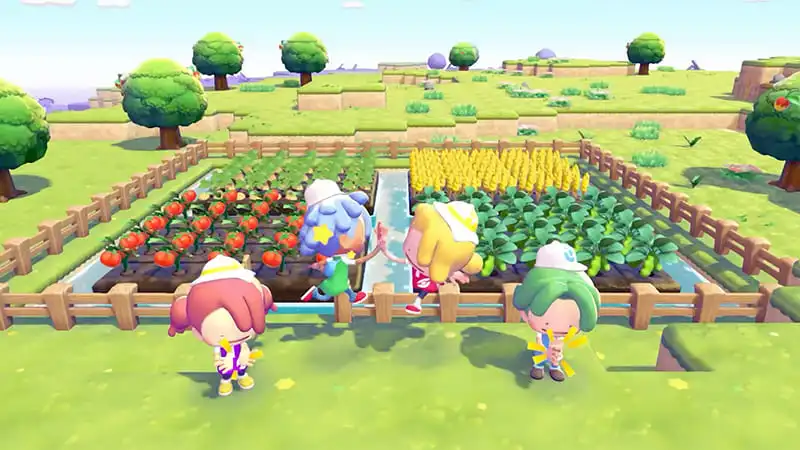
Pokémon Pokopia is much more than a cozy life simulation filled with Pokémon. It also offers several multiplayer features that can make the experience far more enjoyable when playing with friends. However, the game’s online systems can be a little confusing at first. With options like Cloud Island, Palette Town, and GameShare, many players aren’t sure which mode does what.
In this guide, we’ll break down how Pokémon Pokopia multiplayer works, explain the differences between each mode, and help you decide which option is best for your playstyle.
How Many Players Can Play Pokémon Pokopia Multiplayer?
Pokémon Pokopia supports up to four players in both online and local multiplayer modes. The game also includes Nintendo’s GameShare feature, allowing a second player to join even if they don’t own a copy of the game.
Before jumping in, it’s worth understanding the strengths and limitations of each multiplayer mode, as they all serve different purposes.
How Story Island Visits Work
Many players assume they can join a friend’s world and progress through the story together. In reality, Story Island visits are designed more for exploration and social interaction.
When visiting another player’s island, you can look around, admire their creations, and explore the environment. However, story progression, shared quests, and permanent advancement are not available.
Because of these restrictions, Story Island functions more like a visitor mode than a traditional co-op experience.
What Is Palette Town?
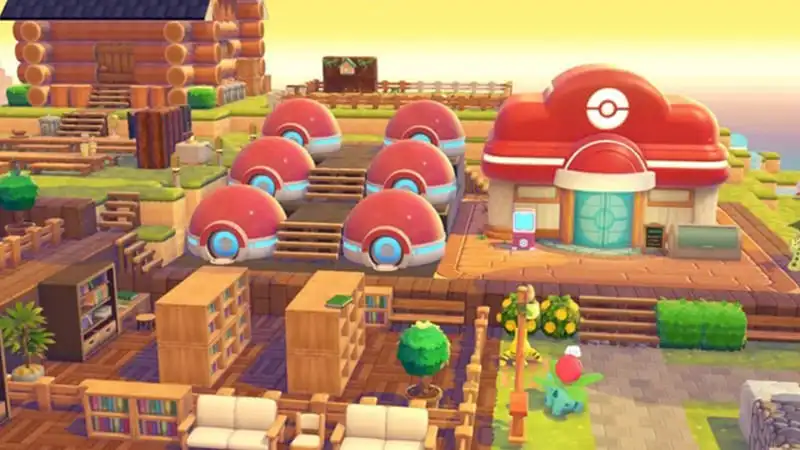
For players who enjoy building and creating with friends, Palette Town is where things become much more interesting.
This dedicated multiplayer area allows players to work together on shared projects, construct buildings, customize environments, and develop a town collectively. If your goal is to create something with friends over time, Palette Town is the ideal place to do it.
It’s also the only area where GameShare is supported.
What Is Cloud Island?
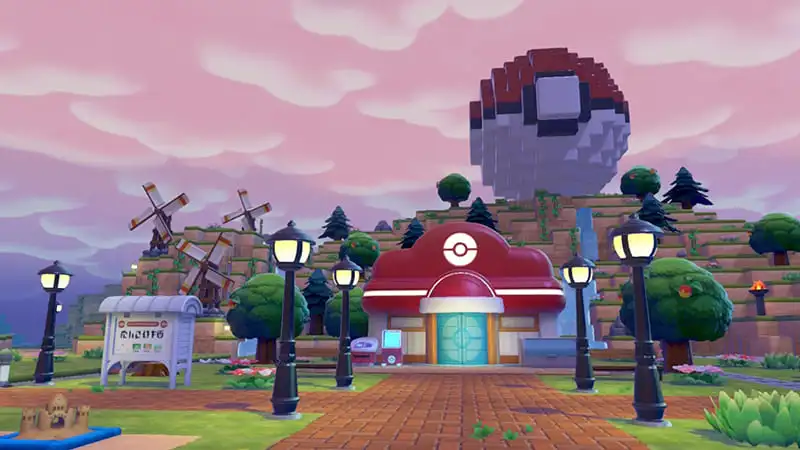
Cloud Island is arguably the most unique multiplayer feature in Pokémon Pokopia.
Think of it as a shared online world where players can collaborate over a longer period of time. Unlike many multiplayer games, the island owner doesn’t need to be online for others to access the world.
Once a Cloud Island is created, invited players can continue building, exploring, and contributing even when the host is offline. This makes it perfect for friend groups who play at different times throughout the week.
For many players, Cloud Island quickly becomes the heart of the multiplayer experience.
Can You Transfer Items from Cloud Island?
This is one of the most commonly searched questions about Pokémon Pokopia multiplayer.
Items, resources, Pokémon, and structures obtained on Cloud Island cannot be transferred back into your main Story Island save. Cloud Island operates as its own separate environment with its own economy and progression systems.
However, some rewards such as recipes and certain progression-related unlocks may carry over to your account. While Cloud Island remains largely independent from the main game, it can still provide useful long-term benefits.
Is Cloud Island Worth Using?
Absolutely.
Many players initially treat Cloud Island as a place to build with friends, but it offers much more than that. Additional recipes, unique tasks, shared projects, and long-term progression opportunities make it one of the most rewarding multiplayer features in the game.
If you’re planning to spend a lot of time in Pokémon Pokopia, creating a Cloud Island is well worth considering.
How Does GameShare Work?
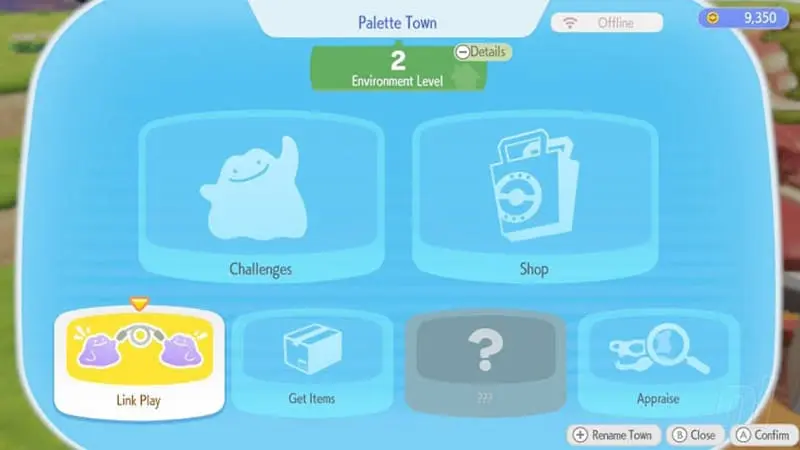
Nintendo’s GameShare feature allows a second player to join without owning the game.
While this sounds fantastic on paper, there are several limitations to keep in mind. GameShare only works within Palette Town and does not provide access to Story Island or Cloud Island activities.
Even so, it’s a great way to introduce a friend to the game or enjoy a casual multiplayer session without requiring everyone to purchase their own copy immediately.
Which Multiplayer Mode Should You Choose?
The answer depends entirely on how you want to play.
If you simply want to explore a friend’s world and see what they’ve built, Story Island visits will do the job. If you’re interested in collaborative building projects and shared creativity, Palette Town is the better option. For players looking for a long-term shared world that friends can access at any time, Cloud Island is easily the most powerful multiplayer feature available.
Although Pokémon Pokopia multiplayer may seem complicated at first, each mode serves a different purpose. Once you understand how they work, the system becomes surprisingly flexible and offers plenty of ways to enjoy the game with friends. For many players, Cloud Island in particular transforms Pokémon Pokopia from a solo adventure into a truly social experience.

